Ask Winston about your AI Reports (Beta)
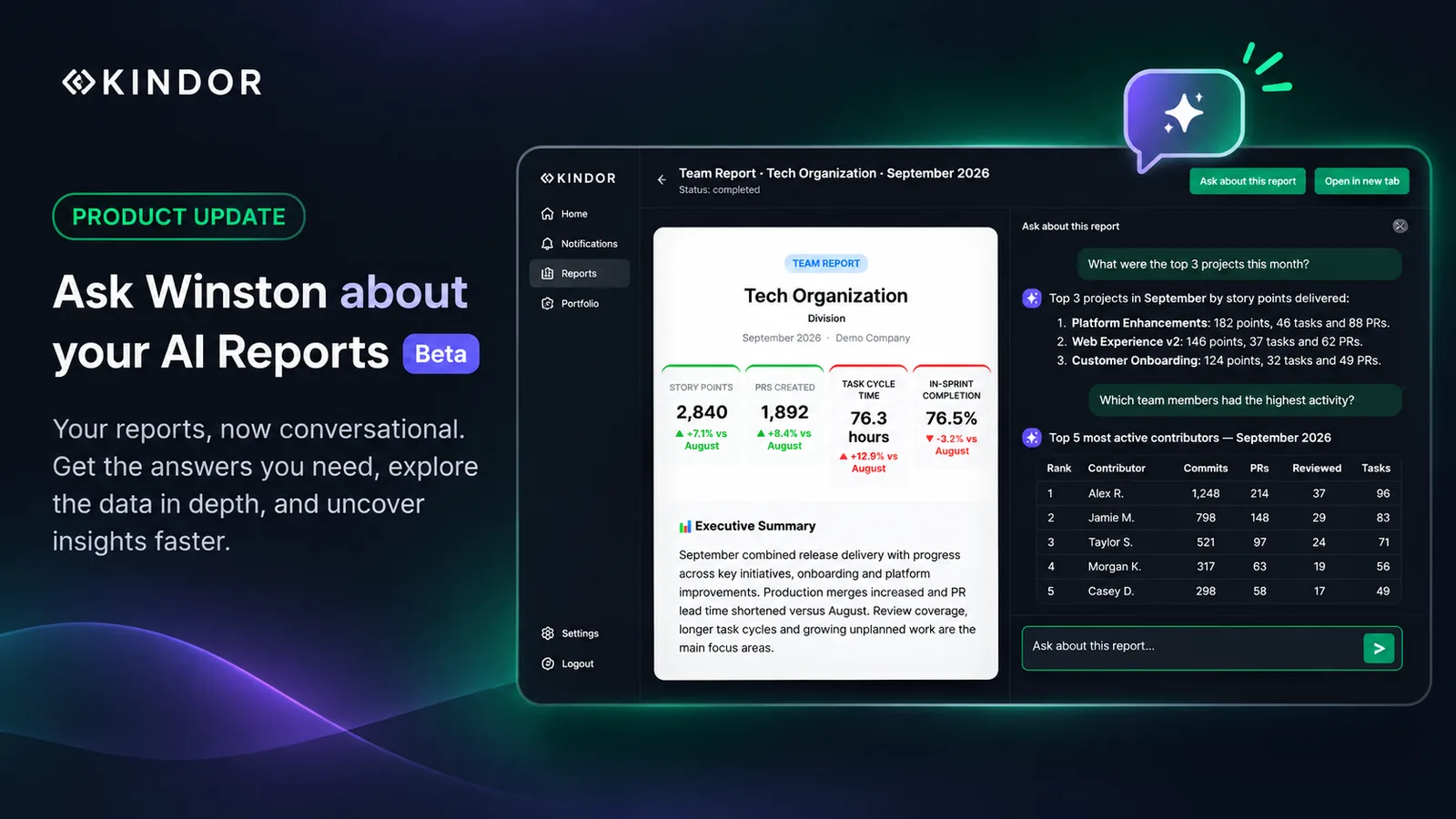
Winston has been writing your AI Reports for a while now: the sprint, team, manager and contributor reports that land in your inbox. Until today, the conversation only went one way. Winston wrote the report, and you read it.
Starting today, in beta, you can talk back. Every report in Kindor now has a chat next to it, so you can ask Winston about the report you are reading.
Get to the data you need, faster
A report is a summary. It packs a lot of information into a few sections, and you often have to read all of it to find the one number you care about. Sometimes that number is not there at all, because no summary can include everything.
With chat, you skip the search and ask for exactly what you need:
-
“Why did cycle time go up compared with last month?”
-
“What were the top three projects this month?”
-
“What was left unfinished in this sprint?”
-
“Who completed the most story points in this sprint?”
Winston answers in plain language, with lists and tables when they help.
Go beyond what the report shows
Winston is not limited to the text of the report. He has access to the data behind it, so you can ask for details the report did not surface. For example:
-
“How many story points went to the Checkout Redesign epic this sprint?”
-
“How much effort went to each project?”
-
“How did sprint completion compare with the last few sprints?”
Winston also knows what the report says, so his answers build on the summary you just read instead of contradicting it.
How to use it
Open any completed report in my.kindor.co and click Ask about this report. Type your question the way you would ask a colleague.
Chat works on all five report types: Sprint, Team, Team Review, Manager and Contributor reports. Your conversation is saved, so you can close the report and pick up where you left off.
Focused on your report
Winston is optimized to answer questions about the report you are chatting about: its team, sprint, manager or contributor, and its period. If you ask about a person or a team that is not part of that report, Winston will tell you it is outside the report instead of guessing.
A few tips for the beta:
-
Be specific. Questions that name a metric, a person, an epic or a project get the best answers.
-
One conversation per report. Each report keeps a single conversation for each user.
Getting better with every question
Chat is in beta, and we are improving it constantly. The questions you ask show us what matters to you, and we are working on using them to shape future reports around your preferences.
Chat with Winston is available today on the AI Reports in my.kindor.co. We would love to hear what you ask him.